



Λ. Κουντουριώτη 60, 74100, Ρέθυμνο Κρήτης

 info@afrangos.gr
info@afrangos.gr

https://support.apple.com/en-euro/120579
On an iPhone 12 or later running iOS 18, when a new Apple battery is installed,
“Finish Repair” will appear next to Battery until you complete the repair using the Repair Assistant.

On an iPhone 12 or later running iOS 18, it is possible to reuse an original Apple battery on another iPhone of the same model.
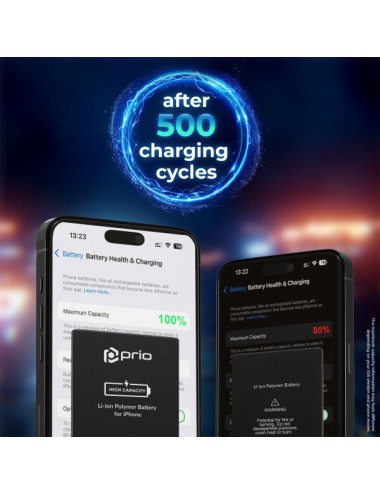
The date of first use, capacity, and cycle count of your battery can be found in Settings > Battery > Battery Health.
How to Run Diagnostics & Finish Repair for iPhone Battery
1. Ensure your device is updated to iOS 18
2. Go to Settings > General > About > Parts & Service History
3. Tap "Restart & Finish Repair" to activate the Repair Assistant
4. Follow the on-screen instructions to complete the calibration
After completing this process, your battery will display 100% health, and there will be no pop-up warning about non-genuine parts.
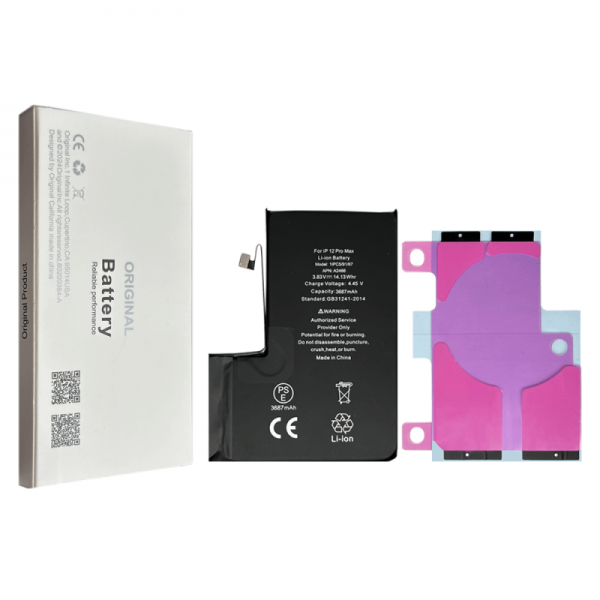
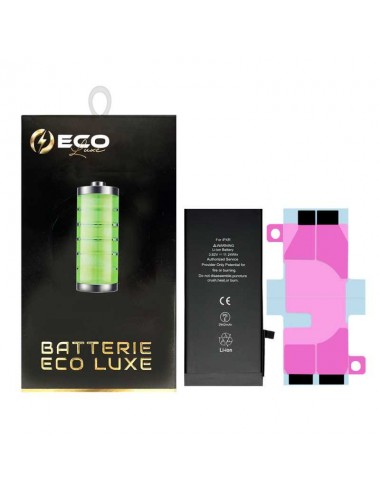
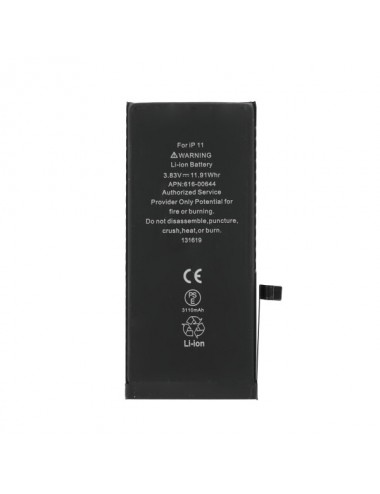
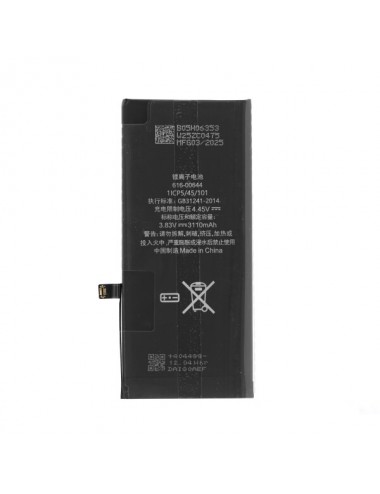
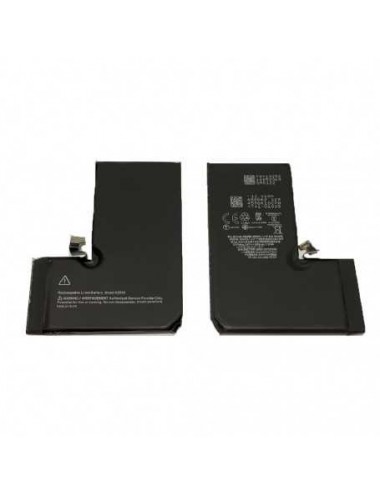
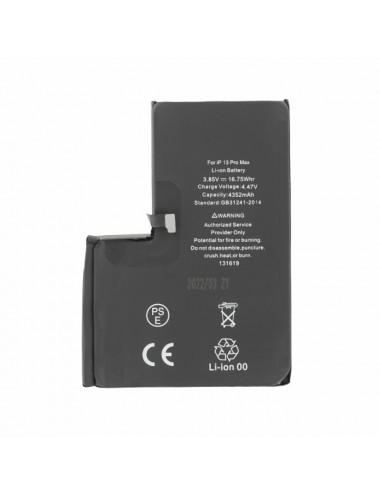
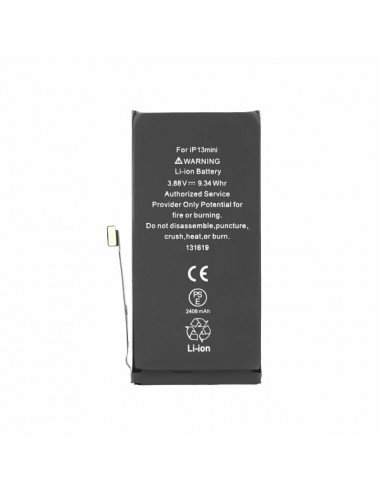
OEM Battery for iPhone 13
| Battery Chemical: | Li-Ion |
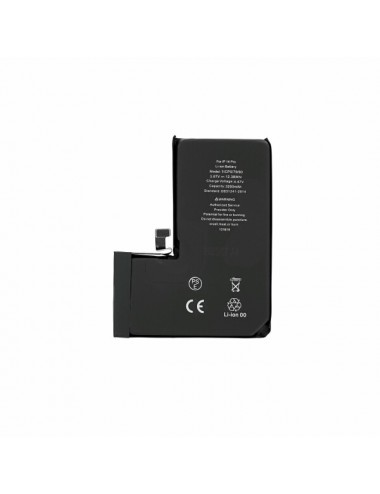
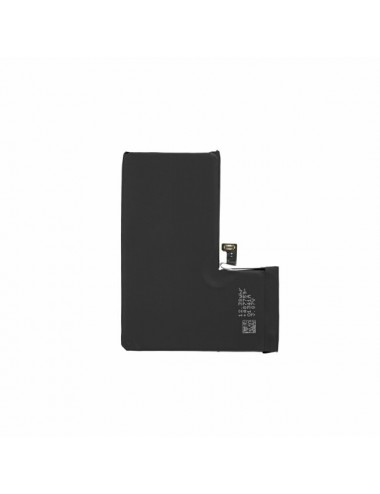
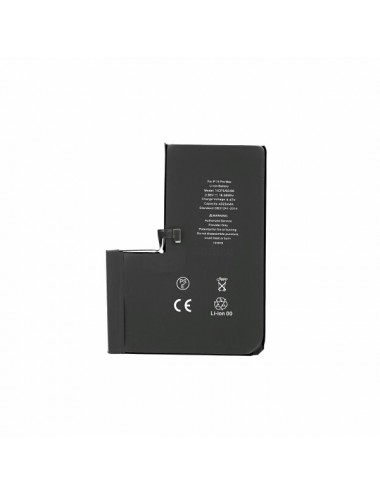
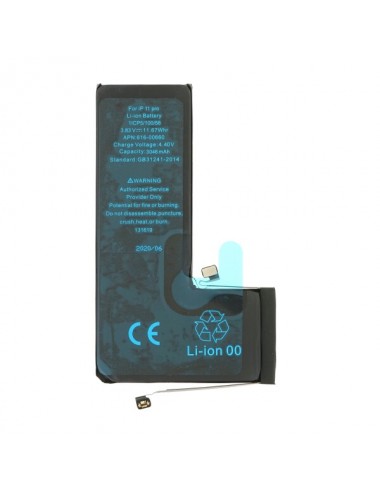
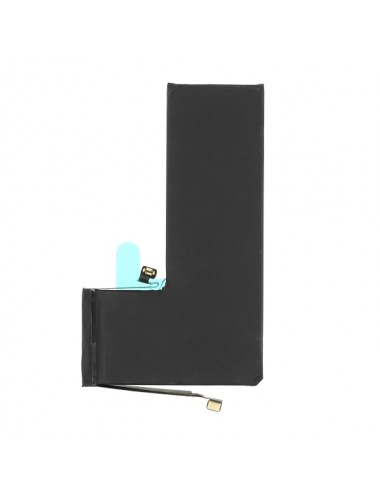
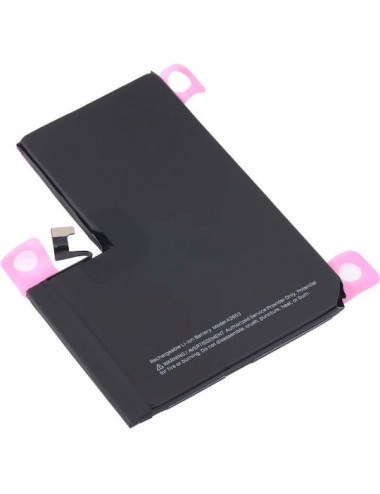
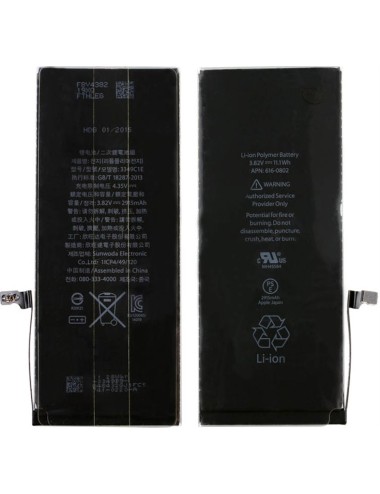
Battery iPhone 13 Pro Max 4550mAh + Adhesives - 120% Plus Durable (ECO Plus)











Σχόλια προϊόντος
Η βαθμολόγηση της κριτικής δεν μπορεί να αποσταλεί
Αναφορά σχολίου
Αναφορά αποστάλθηκε
Η αναφορά σου δεν μπορεί να σταλεί